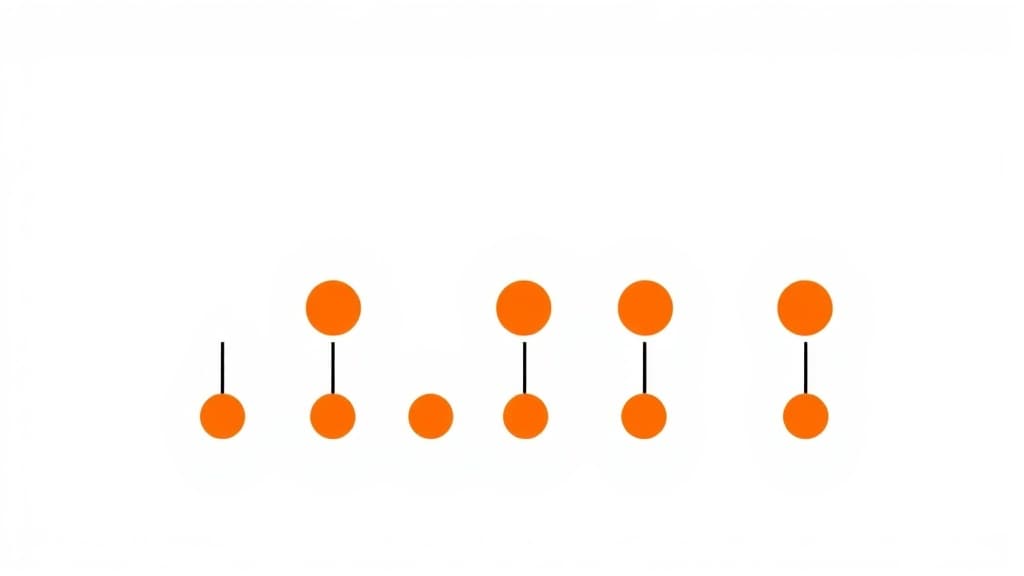
Rhythm Pattern Maker is a personalised music practice companion inside Applaa. Whether learning an instrument for the first time, reading sheet music, or deepening music theory knowledge, it gives patient, clear guidance that builds real, lasting musical ability.
Help me understand this topic for my school revision.
👨💻
I'd love to help! Let's break this down into bite-sized pieces.
First, tell me what year group you are in and if you have any homework questions. I will explain it step-by-step with real-world examples, and we can do a quick quiz at the end to make sure it makes perfect sense!
How to use Rhythm Pattern Maker
1
Open Applaa and go to AI Assistants.
2
Tell it your instrument, current skill level, and what you're practising.
3
Get tailored exercises, notation help, and technique tips to make genuine, measurable progress.
What you can do with Rhythm Pattern Maker
Create rhythms from scratch. Here are some of the most popular ways students use Rhythm Pattern Maker every day:
Makes music theory and notation genuinely accessible
Supports any instrument at any level — from day one
Great for self-learners, music students, and exam preparation
Ask unlimited follow-up questions — the AI never loses patience or gives up on you
Works alongside any textbook, worksheet, or school resource
Creating rhythmic patterns is core to understanding music, whether you're composing original pieces, writing drum arrangements, or preparing for music exams. Applaa's Rhythm Pattern Maker puts you in control of beat, pulse, and subdivision, letting you compose rhythms visually, hear them instantly, and understand how rhythm creates energy, tension, and groove. For GCSE Music students working on composition projects, Trinity Guildhall rhythm grades, or anyone interested in percussion, production, or songwriting, this tool transforms rhythm from abstract notation into tangible, playable patterns. Instead of staring at written rhythms and wondering if they'll work, you'll build them step-by-step, hear them played back, and refine them until they feel exactly right. The Rhythm Pattern Maker lets you experiment fearlessly and develop instinctive rhythm sense that carries across all musical genres.
9,000+
Rhythm creators using this tool
4/4 time
Most common time signature
100%
Free rhythm composition tools
How to use Rhythm Pattern Maker effectively
Start by selecting a time signature and tempo (speed in BPM). The tool displays a grid where each cell represents a specific note value—whole notes, half notes, quarter notes, eighth notes, etc. Click to add or remove notes, creating patterns visually. Hit 'play' and hear your pattern at full speed with a metronome to keep timing locked. Experiment with different note combinations: straight quarter-note patterns feel march-like, while syncopated patterns (notes off the beat) feel more dynamic and interesting. Use the tool's 'quantize' feature to snap notes to the grid if you create them freehand. Once you build a pattern you like, save it and experiment with variations—add fills (breaks in the pattern), change note values, or shift emphasis. Layer patterns to create more complex rhythms: one pattern for kick drum, another for snare, another for hi-hat. This polyphonic rhythm building develops sophisticated musical thinking.
Select time signature and tempo first; these provide the rhythmic container
Build simple patterns (4–8 bars) before attempting complex arrangements
Use the grid interface to place notes; experiment with different note values for variety
Listen carefully to your pattern; rhythm is about feel and groove, not just notation
Create variations: repeat patterns with small changes to maintain listener interest
Layer multiple patterns to create realistic drum tracks with independent movement
Common mistakes with Rhythm Pattern Maker
The biggest mistake is overcomplicating patterns—students add too many notes, creating busy, unmusical rhythms. Simple, clear patterns with room to breathe usually sound better than intricate fills. Another error is not considering pulse and pocket—rhythm isn't just about timing, it's about where you sit relative to the beat. Silence (rests) is as important as notes; patterns filled completely feel exhausting. Many students ignore syncopation, always placing notes on strong beats, which creates dull, predictable rhythms. Using the same note values throughout is another trap—mixing quarters, eighths, and sixteenths creates interest. Some students build patterns without considering the tempo; a pattern great at 120 BPM might feel sluggish or frantic at other speeds. Finally, forgetting to listen and evaluate—trust your ear.
Simplicity usually wins; a clear, groovy pattern beats a complex, cluttered one
Use rests deliberately; silence gives patterns space
Experiment with syncopation (notes off the beat) to create interest
Vary note values throughout a pattern
Consider tempo when building patterns; feel changes at different BPMs
Always listen before declaring a pattern finished; your ear is the final judge
Getting started
Getting started with Rhythm Pattern Maker
Step 1
Download Applaa free and select a time signature (4/4 is easiest for beginners) and moderate tempo (100–120 BPM)
Step 2
Build a simple 4-bar pattern using quarter and eighth notes, focusing on steady pulse and groove
Step 3
Play back your pattern and listen critically—does it feel grounded and interesting?
Step 4
Create 2–3 variations of your pattern, then layer different patterns together
1 month free, then 50% off for 3 months — £4.99/mo
While Other Kids Get an AI Head Start, Is Yours Falling Behind?
Give your child the same AI app-building, exam prep and tutoring edge — free for the first month, no credit card needed.
Join 10,000+ students building their first AI-powered apps with Applaa
Frequently asked questions about Rhythm Pattern Maker
What's the difference between rhythm and meter, and why does it matter?
Meter is the organizational structure (4/4, 3/4, 5/4). Rhythm is what you do within that structure—where you place notes and rests. You can play the same rhythm in different meters and it changes feel. The Rhythm Pattern Maker lets you explore this; try the same pattern in 4/4, then switch to 3/4 and hear how the feel shifts.
How do I make my rhythms sound groovy instead of stiff or mechanical?
Groove comes from: (1) syncopation—placing notes off the beat; (2) swing—slightly delaying or anticipating beats; (3) dynamics—emphasizing certain notes to create pocket. Listen to music you love and notice how drums sit slightly behind or ahead of the beat—that's pocket. The tool helps you develop this instinct.
Can I use patterns created in the Rhythm Pattern Maker for my GCSE Music composition?
Yes, absolutely. Using the tool to plan compositions is excellent practice. Generate rhythmic ideas, refine them, and then notate them formally for your submission. The tool helps you create compelling rhythms that actually work musically, which strengthens your composition significantly. Examiners reward effective rhythm and structure.
I understand notation but I can't hear rhythm in my head. Will the Rhythm Pattern Maker help?
Exactly what it's designed for. Seeing rhythms visually and hearing them played repeatedly trains your brain to connect notation to sound. Over time, your inner hearing improves and you'll start imagining rhythms without the tool. This is called developing 'rhythm ear' and it's essential for musicians—the tool accelerates the process.