Do I need music theory knowledge to create patterns?
No—the Drum Pattern Creator is visual and intuitive. If you can click and listen, you can learn rhythm by ear and experimentation.
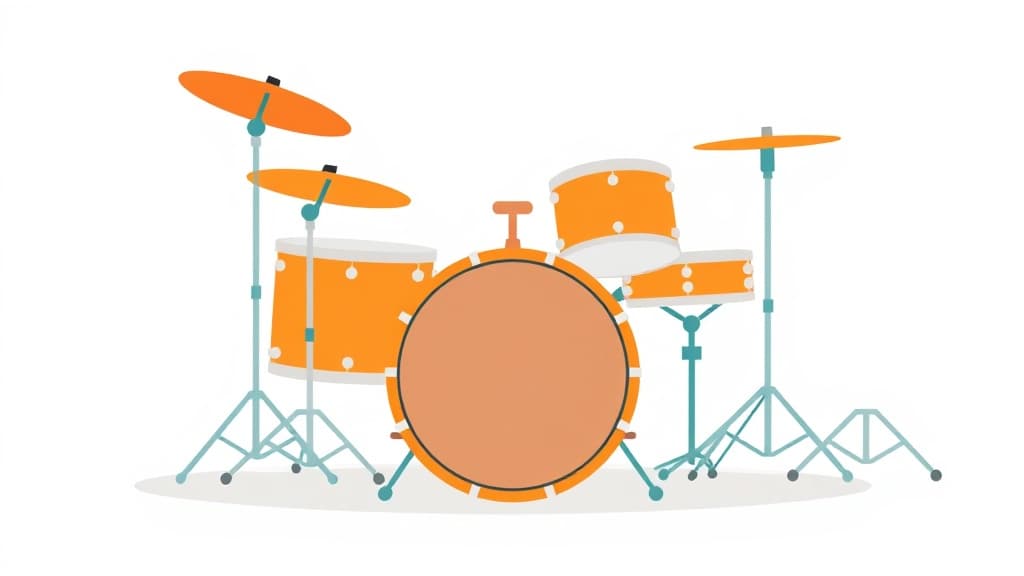
Drum Pattern Creator is an AI music guide that helps your child understand, create, and appreciate music at a deeper level. From music theory and composition to genre history and songwriting, it makes every aspect of music accessible and genuinely exciting.
Open Applaa and go to AI Assistants.
Tell it what you're learning, creating, or curious about in music.
Get clear explanations, practical tips, and creative suggestions tailored to your interests.
Build beats from scratch. Here are some of the most popular ways students use Drum Pattern Creator every day:
The Drum Pattern Creator empowers students to compose rhythmic foundations from scratch, experimenting with beats across genres—from hip-hop and funk to rock and pop. Understanding rhythm and percussion is crucial for GCSE Music, A-Level Music Theory, and any aspiring musician or producer. Many UK students find rhythm notation confusing and lack access to drums or percussion kits for hands-on learning. Applaa's Drum Pattern Creator solves this by providing a visual, interactive grid where you can build, hear, and refine drum patterns in seconds. You'll explore time signatures, syncopation, and groove mechanics without needing expensive equipment or a garage band. The tool integrates seamlessly with Applaa's music theory curriculum, giving you immediate aural feedback on every pattern you create. Whether you're preparing for a music exam or discovering your producer side, this tool transforms rhythm theory from abstract notation into tangible, playable beats.
Start by selecting a tempo (BPM) and time signature—4/4 is most forgiving for beginners. Drag drum sounds (kick, snare, hi-hat, tom) onto the grid at different intervals, then press play to hear your pattern. Experiment boldly; there's no 'wrong' answer, only discoveries. Use the loop function to repeat your pattern and listen for groove and pocket. Save patterns you like and revisit them later to tweak and improve. Pay attention to syncopation—deliberate off-beat hits create interest and modern appeal.
Beginners often overcomplicate patterns by adding too many hits at once, resulting in messy, unlistenable rhythms. Another common error is ignoring the importance of space and silence—the gaps between hits define groove as much as the hits themselves. Students sometimes lock into 4-on-the-floor kicks without exploring ghost notes, swing, or syncopation, leading to boring patterns. Many also rush without listening to reference tracks, so they don't understand genre-specific conventions. Finally, inconsistent use of the tool—sporadic sessions with days of absence—prevents muscle memory and groove instinct from developing.
Getting started
Download Applaa free and access Drum Pattern Creator instantly
Create your first 4/4 kick-snare pattern at 100 BPM
Listen to 3 drum breaks in your favourite genre and note patterns
Remix and refine beats weekly, building your personal rhythm library
Give your child the same AI app-building, exam prep and tutoring edge — free for the first month, no credit card needed.
Join 10,000+ students building their first AI-powered apps with Applaa
No—the Drum Pattern Creator is visual and intuitive. If you can click and listen, you can learn rhythm by ear and experimentation.
Absolutely. Patterns you create can be exported or referenced in your coursework, and the composition work strengthens your understanding of rhythm structures needed for exam success.
You can create patterns in any genre by adjusting tempo, time signature, and sounds—hip-hop, funk, rock, reggae, jazz, electronic, and more. The tool is flexible and genre-agnostic.
Yes—Applaa lets you export patterns as audio files or MIDI, so you can share them with bandmates, teachers, or use them in other music software.
Drum Pattern Creator and 500+ other safe AI assistants are available free inside the Applaa desktop app.
Explore GCSE, 11+, A-Level, and Olympiad revision modules in the Applaa Learning Hub.
Go to Learning Hub