What's the difference between area and perimeter?
Perimeter is the distance around a shape; area is the space inside. For a rectangle, perimeter = 2(l + w) and area = l × w. Applaa's visual tool clearly shows both measurements on the same shape.
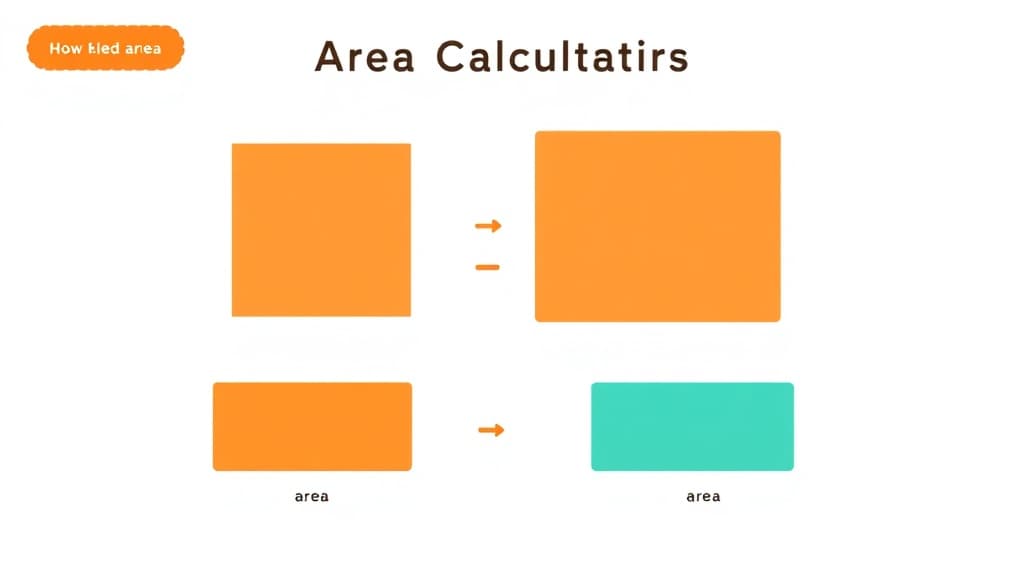
Area Calculator is your child's personal maths tutor available 24/7 inside the free Applaa app. It explains every concept step-by-step, adapts to their level, and never moves on until they actually understand — from KS1 basics to A-Level calculus.
Open Applaa and go to AI Assistants.
Find "Area Calculator" and type the problem in plain English — no special symbols needed.
Get a full worked solution with explanations, then ask follow-up questions until it completely clicks.
Find area of 2D shapes. Here are some of the most popular ways students use Area Calculator every day:
Calculating the area of 2D shapes is one of the most practical and fundamental skills in mathematics, underpinning everything from tiling floors to designing gardens—and it's a cornerstone of UK curricula from Key Stage 2 onwards. Students encounter area in GCSE maths, physics, and geography; in A-Level maths and further maths; and in real-world careers from architecture to engineering. Yet many students struggle with remembering formulas or understanding why they work—why is area measured in square units? Why is a triangle half the area of a rectangle with the same base and height? Applaa's Area Calculator tool removes the memorisation burden and teaches the logic behind each formula: rectangles, triangles, circles, parallelograms, trapeziums, and composite shapes. With visual demonstrations and step-by-step calculations, this free interactive tool shows exactly how formulas connect to the shapes themselves. Whether you're preparing for your first geometry test or revising for A-Level, Applaa makes area problems intuitive rather than formulaic.
Start by understanding that area measures how much space a shape covers, always expressed in square units (cm², m², etc.). Use Applaa's visual tool to see how each shape's formula connects to its dimensions. Begin with rectangles (length × width), then triangles (½ × base × height), then circles (πr²). For each shape, work through multiple examples, paying attention to units and the logic behind the formula. Practice calculating area of composite shapes by breaking them into simpler parts. Finally, solve real-world problems where you need to calculate area—garden designs, room layouts, or engineering plans.
One frequent error is confusing area with perimeter—area is space inside, perimeter is distance around. Students often forget the ½ in the triangle formula or multiply base × height directly without halving. With circles, many students use diameter instead of radius in πr², leading to answers that are 4× too large. Unit mistakes are common too: mixing cm and m without converting, or forgetting to square the units. Some students memorise formulas without understanding them, making errors when shapes are rotated or positioned differently. Applaa's worked examples highlight these mistakes and show the correct reasoning step-by-step.
Getting started
Step 1: Download Applaa free and open Area Calculator—start with rectangles and squares
Step 2: Learn and practise each shape's formula using Applaa's visual demonstrations
Step 3: Tackle composite shapes (combinations of basic shapes) to build problem-solving skills
Step 4: Solve real-world GCSE-style problems—garden designs, room layouts, engineering diagrams
Give your child the same AI app-building, exam prep and tutoring edge — free for the first month, no credit card needed.
Join 10,000+ students building their first AI-powered apps with Applaa
Perimeter is the distance around a shape; area is the space inside. For a rectangle, perimeter = 2(l + w) and area = l × w. Applaa's visual tool clearly shows both measurements on the same shape.
A triangle is exactly half of a rectangle with the same base and height. Applaa's diagram shows how two identical triangles fit together to form a rectangle, making this clear.
Most GCSE papers provide a formula sheet, but understanding why each formula works is vital. Applaa teaches the logic so you can apply formulas confidently even if you forget the exact wording.
Break it into familiar shapes (rectangles and triangles), find each area separately, then add them together. Applaa's composite-shape tool guides you through this process step-by-step.
Area Calculator and 500+ other safe AI assistants are available free inside the Applaa desktop app.
Explore GCSE, 11+, A-Level, and Olympiad revision modules in the Applaa Learning Hub.
Go to Learning Hub