🇬🇧 Limited Time — UK Only·🎓 Free Learning for 1 Month·🤖 Free AI Training Included·📚 4,000+ Lessons · 35,000+ Quizzes·🏆 GCSE Mocks · Olympiad Papers·⚡ Selected Students Only · Limited Places·🎁 Free Value Worth £2,000·🇬🇧 Limited Time — UK Only·🎓 Free Learning for 1 Month·🤖 Free AI Training Included·📚 4,000+ Lessons · 35,000+ Quizzes·🏆 GCSE Mocks · Olympiad Papers·⚡ Selected Students Only · Limited Places·🎁 Free Value Worth £2,000·🇬🇧 Limited Time — UK Only·🎓 Free Learning for 1 Month·🤖 Free AI Training Included·📚 4,000+ Lessons · 35,000+ Quizzes·🏆 GCSE Mocks · Olympiad Papers·⚡ Selected Students Only · Limited Places·🎁 Free Value Worth £2,000·
🎮 Game Design

Player Movement — Keyboard Controls

Track which keys are currently held down using keydown and keyup events. Store them in an object. Every game loop frame, check the object and move the player. This gives smooth, responsive movement.

3 min 10 XP Lesson 2 of 9
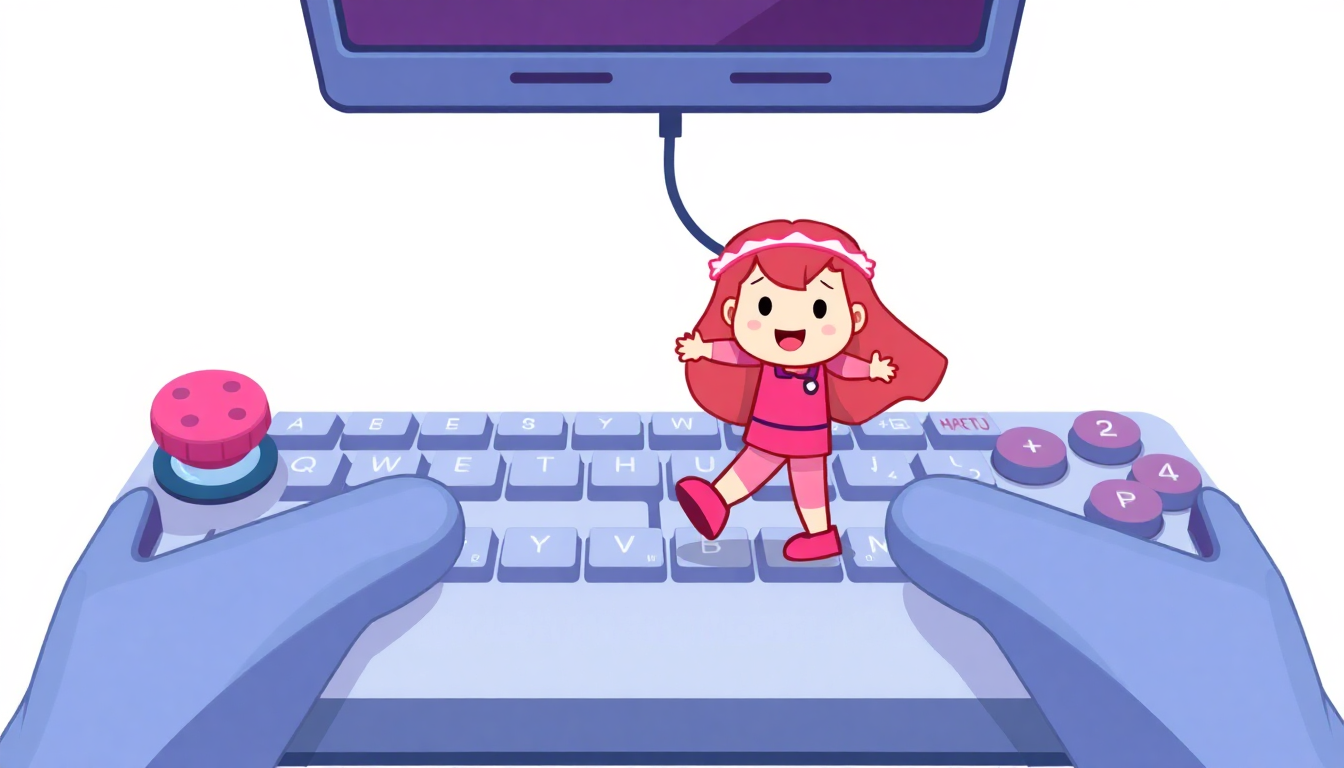
Player Movement — Keyboard Controls

Track which keys are currently held down using keydown and keyup events. Store them in an object. Every game loop frame, check the object and move the player. This gives smooth, responsive movement.

Quick Quiz

1 / 2

Why store all pressed keys in an object?